> ## Documentation Index
> Fetch the complete documentation index at: https://docs.onetoken.sh/llms.txt
> Use this file to discover all available pages before exploring further.
# 申请 QQ Bot 指南
> 本文整理 QQ Bot 的基础申请流程,帮助首次接入 QQ 官方机器人平台的开发者快速了解整体流程。
本文内容根据 2026 年 3 月 1 日可访问的 QQ 机器人官方文档整理。平台页面和审核要求可能调整,实际操作时应以官方控制台和官方文档为准。
## 官方入口
* QQ 开放平台:[https://q.qq.com/qqbot/openclaw/login.html](https://q.qq.com/qqbot/openclaw/login.html)
## 申请流程
### 1. 扫码登录
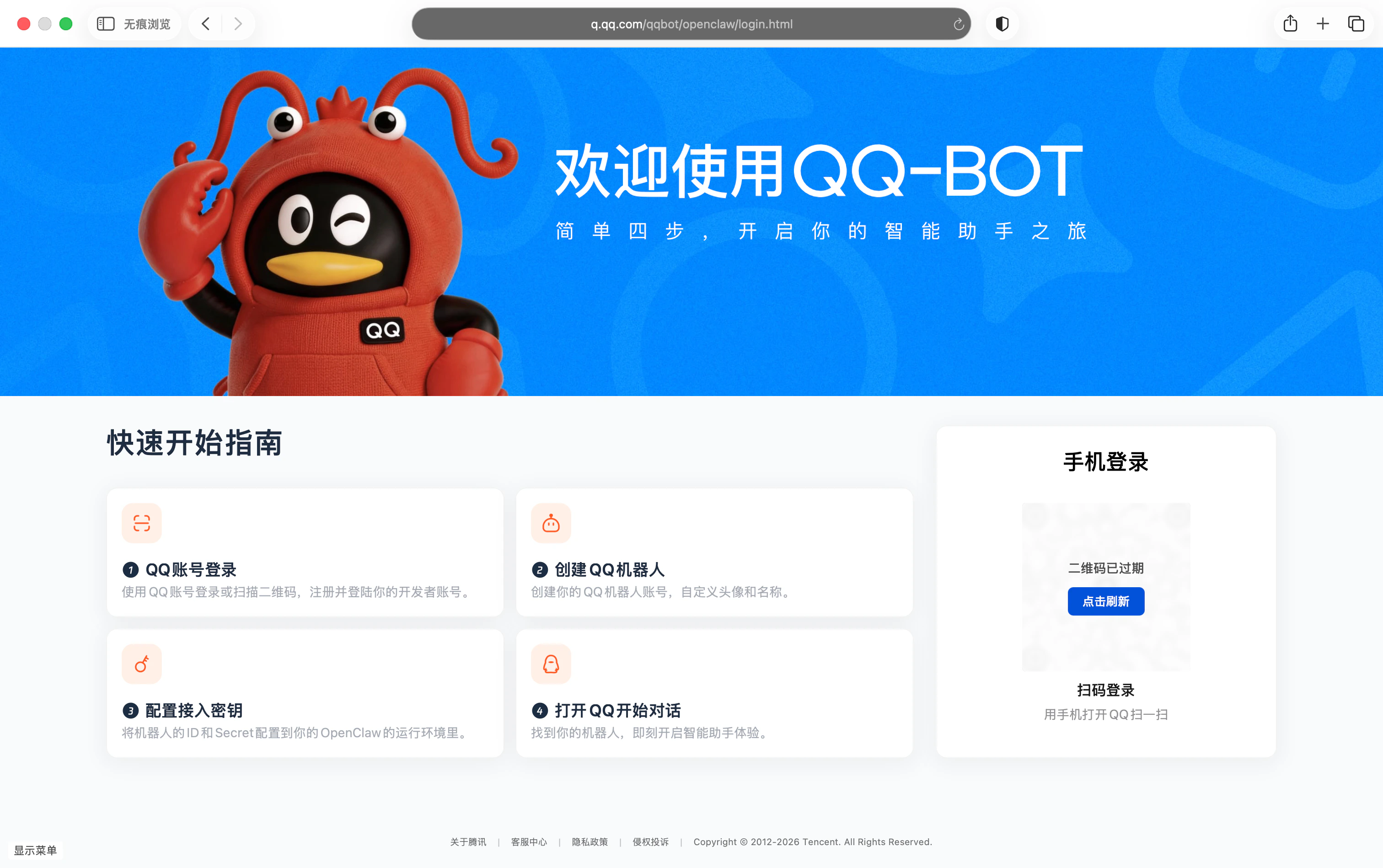
进入 QQ 开放平台后,使用手机扫描二维码登录。
 ### 2. 创建机器人
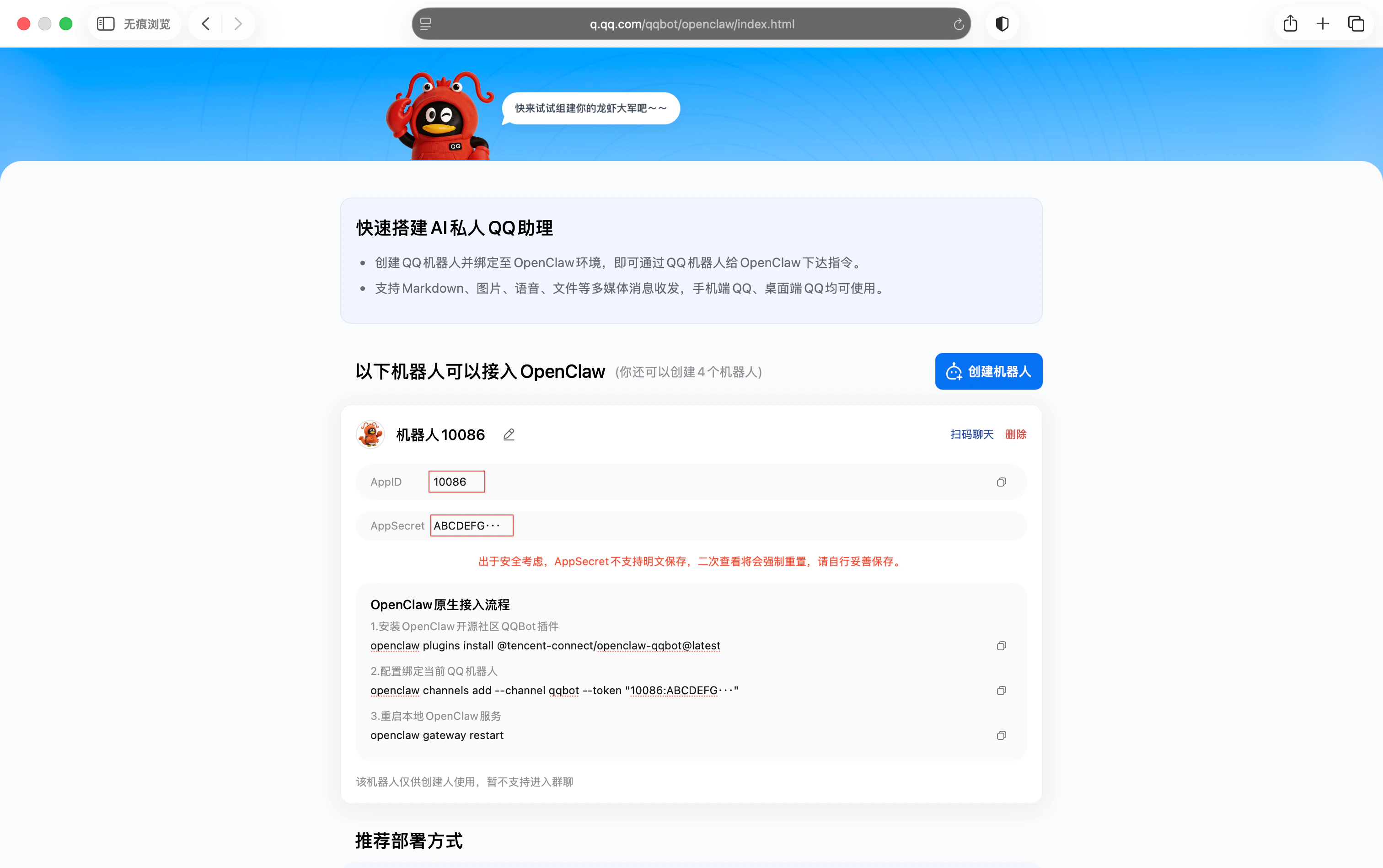
登录成功后,点击“创建机器人”,系统会显示 AppID 和 AppSecret。
AppSecret 仅会显示一次;如需再次查看,系统会要求重置,请妥善保存。
### 2. 创建机器人
登录成功后,点击“创建机器人”,系统会显示 AppID 和 AppSecret。
AppSecret 仅会显示一次;如需再次查看,系统会要求重置,请妥善保存。